
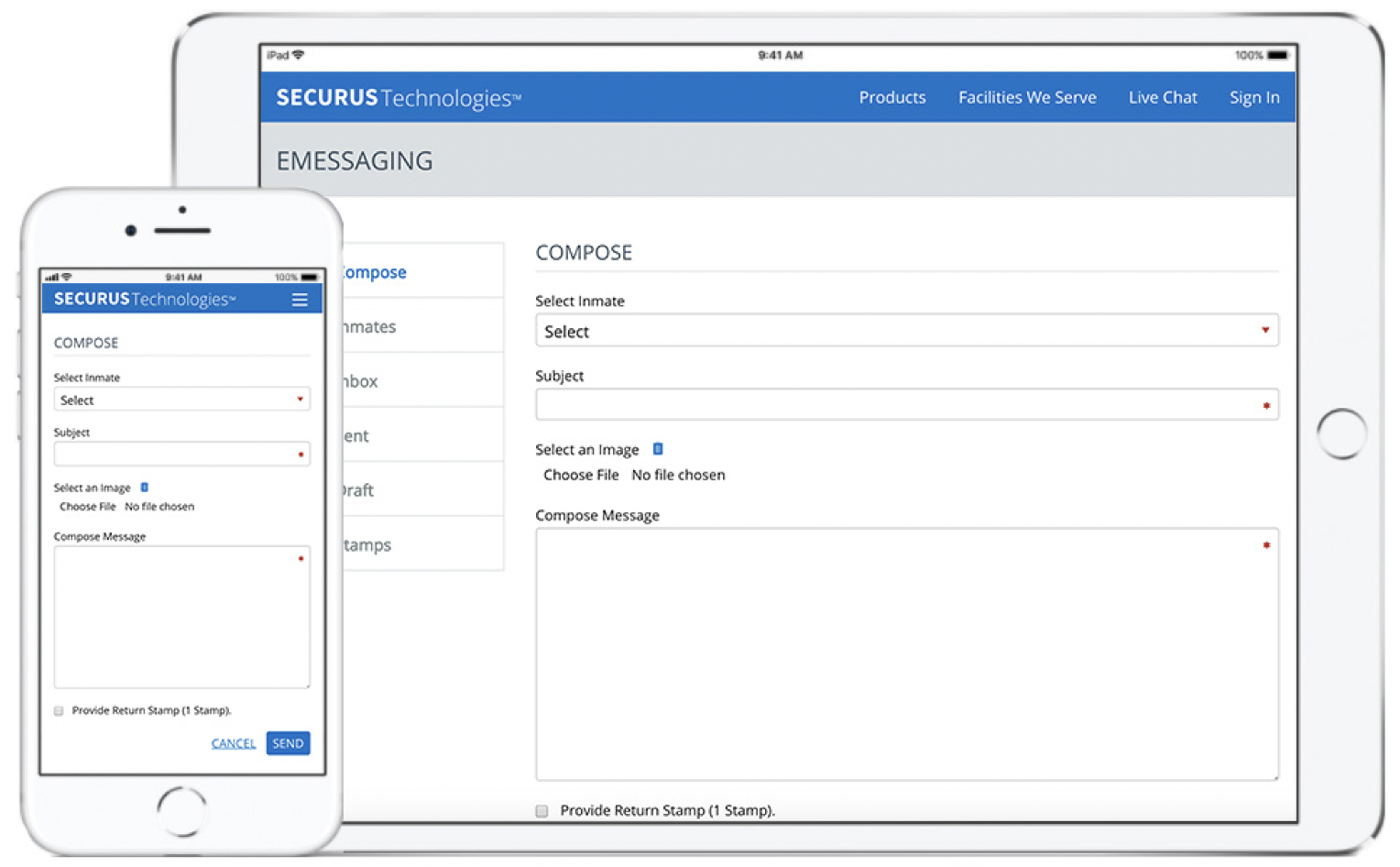

FL, TX, and WA State Adopters: If your adoptee is in TDCJ (Texas state), FDC (Florida Dept. of Corrections), or WA DOC (Washington state), be aware that for emessaging, you’re going to be faced with a Jpay to Securus conversion. If you have an existing Jpay account, you will be prompted to convert it to Securus when the facility for your contact(s) has made the switch. Your contact(s) and stamps will transfer. See the links below for more information.
- Jpay to Securus Conversion: FAQ
- Video: How to Link JPay Account to Securus Account
- 24/7 Securus Customer Service: 972-734-1111 (stay on the line to speak to a real person)
- Enter the state and facility on this page to see if your LO’s facility has switched from Jpay to Securus.
- TDCJ Securus Services
- WA DOC Jpay & Securus Services
- FDC Securus Services
Other Jpay articles: Jpay



I have been trying for 2 yes 2 years to convert my account. Is there a dummy version?
I have tried converting from jpay account to securus to allow email communications.
I called and was told you don’t even handle Tomoko Correctional Facility
Please guide me
Deborah, thanks for commenting. The switch was not rolled out very smoothly and lots of people had trouble. We serve prisoners and families in all 50 states, including Florida. I will email you directly with more information.
i’ve been trying to connect both accounts together but it just won’t let me.
Hi Jadah, thanks for your comment. The online assistant gives an automated response when you check “Link Jpay account,” If you used JPay Email in the past and your incarcerated individual has received a Unity tablet go to https://securustech.online/#/jpay and enter your JPay email address (used as your user ID) and JPay password and click ‘Continue’. Please be sure that the account associated with this Email address has stamps before you go through this process.
You may be asked for one or two more pieces of information. A Securus account will be automatically created and linked to your JPay Email account so that your stamps and message history transfers over to Securus.
If you already have a Securus account, the above process will locate it and automatically link to your JPay Email account.
You will only use Securus eMessaging on the Securus web and apps going forward and you’ll continue to use your JPay email address as your ID and JPay password when you Sign In to Securus.
If you’re still having trouble, their support number is: 972-734-1111
https://securustech.net/contact-us/index.html
Still can’t l log the two together